
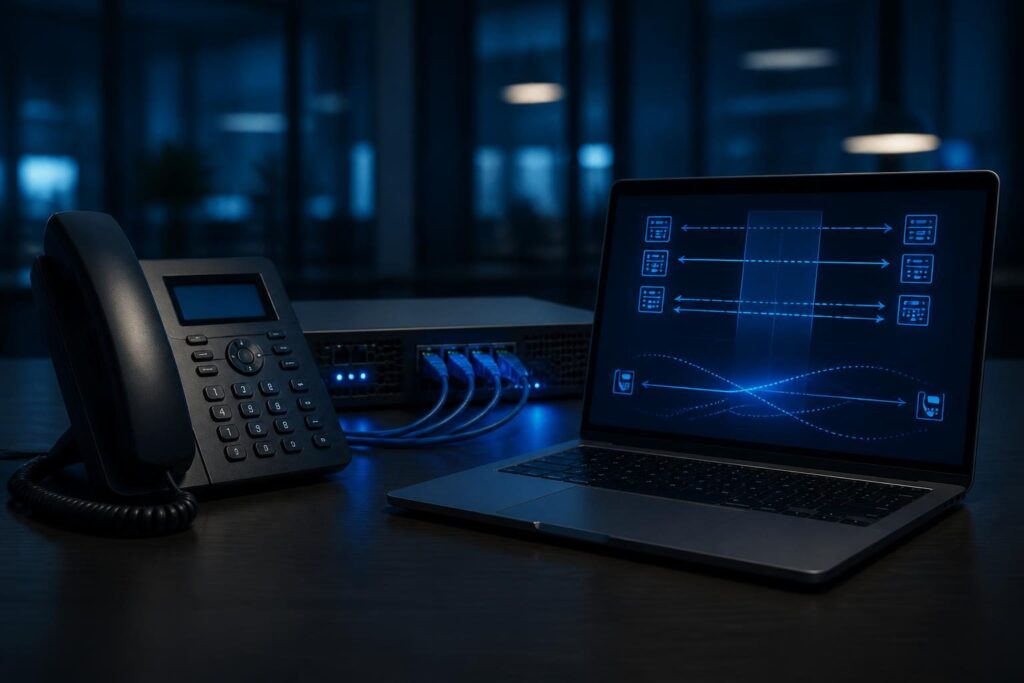
When a phone rings and the caller hears ringback, but speech disappears after answering, VoIP ringback but no audio after answer troubleshooting must separate call signaling from media. SIP may establish the call while RTP, the packet stream carrying voice, takes a different path or fails entirely.

This symptom does not automatically prove that the firewall blocks VoIP. Ringback may come from the local phone, the PBX, or “early media” from the provider before the call connects. The useful question is whether audio packets flow after the answer. That question keeps VoIP ringback but no audio after answer troubleshooting focused on evidence instead of assumptions.
Understand what ringback proves
Ringback is an indication that the caller hears a ringing tone. It proves only that some part of the call can provide that tone. It does not prove that two-way voice media works.
Early media is audio sent before the call reaches a connected state. A carrier might provide ringback, announcements, or progress tones through this path. After answer, the call should move to connected media, normally described by SDP, the session details carried inside SIP messages.
That change matters. The IP addresses, UDP ports, codec list, or media direction can differ between the early-media phase and the connected phase. Therefore, a successful ring does not clear the PBX, firewall, NAT device, or endpoint.
- Ask whether the caller, the called party, or both sides lack audio.
- Test an internal extension-to-extension call.
- Test inbound and outbound calls separately.
- Record whether audio starts briefly, stays silent, or begins only after hold or transfer.
Confirm the call reaches a connected state
Start with signaling evidence rather than changing settings. Review the PBX call detail record and, where available, a SIP trace. Look for the answer response and the subsequent ACK. The exact messages depend on the PBX and provider, but the sequence should show whether the call actually connected.
A call that never reaches an answered state points toward dialplan logic, provider signaling, endpoint actions, or call supervision. Once it connects, focus on RTP direction and media negotiation. This distinction prevents a signaling repair from masking a separate audio problem.
For Asterisk-based systems, the official Asterisk documentation provides reference material for SIP, endpoints, RTP, and codecs. Use documentation that matches the signaling stack in the deployment. PJSIP and older channel drivers expose different commands and configuration terms.
Compare working and failing calls
A working call is often the best baseline. Compare the same extension calling two destinations, or compare two phones using the same route. Note the provider trunk, codec order, source network, phone model, and whether the call is internal or external.
One failed path can point to a route, endpoint, or trunk-specific issue. All calls failing after answer suggest a broader media, firewall, NAT, or PBX configuration problem. This comparison is a core part of VoIP ringback but no audio after answer troubleshooting.
Inspect RTP direction after answer
RTP is the real-time packet stream that carries voice. It usually uses UDP ports negotiated in SDP. SIP can work perfectly while RTP fails, because signaling and media may use different addresses, ports, policies, or routes.
Capture traffic at a suitable point, such as the PBX interface or a managed firewall. Follow the approved privacy process because voice captures can contain sensitive information. A short test call is usually enough; avoid recording more content than necessary.
- Does the PBX send RTP toward the phone or provider?
- Does it receive RTP from the expected address and port?
- Do packets arrive but show an unexpected source address?
- Does the stream stop when the call changes from ringing to connected?
- Does each direction have similar packet counts?
Packet direction helps classify the fault. No packets leaving the PBX may indicate endpoint, dialplan, or media negotiation behavior. Packets leaving but not arriving at the far side point toward routing, NAT, or filtering. Packets flowing both ways while the phone remains silent may indicate codec, payload, handset, or endpoint processing issues.
Do not treat packet presence as proof of usable audio. RTP may use the wrong port, an unsupported payload type, or a private address that the remote device cannot reach. If calls also end at a predictable interval, compare this evidence with the guide to calls dropping after 30 seconds. For delayed or uneven speech, also compare the symptoms with this guide to delayed VoIP audio.
Check NAT and firewall handling
Network address translation, or NAT, lets private devices share public addresses. It can also rewrite the address or port that a SIP endpoint advertises for RTP. The remote side may then send audio to an unreachable private address.
Review the PBX, firewall, and provider topology together. Identify which device owns the public address, where port translation occurs, and whether another router performs a second translation. A NAT overview from Cloudflare can help explain the general traffic flow.
- Check the PBX external media address and local network definitions.
- Confirm that the firewall permits the configured RTP range in both directions.
- Verify that the forwarding rule points to the correct PBX address.
- Look for symmetric NAT, multiple routers, or a changing public address.
- Check whether SIP helpers or application-level gateways rewrite packets unexpectedly.
Do not open arbitrary UDP ranges or disable security features as a first test. Confirm the PBX media range, limit rules to the required sources where practical, and document every temporary change. Restore the original policy if the test does not identify the cause.
A PBX behind a firewall can still have media problems when phones sit behind separate NAT. That combination requires careful address and port handling, not simply a new port-forwarding rule.
Review codec negotiation and media direction
A codec converts voice into digital audio for transmission. The caller and callee need a compatible codec, and the PBX may transcode between them. A codec mismatch can produce silence, failed media, or audio that one endpoint cannot decode.
Read the SDP offered and accepted in the connected SIP messages. Compare the negotiated codec, payload type, RTP port, and media address. Check both call legs if the PBX creates separate legs for the phone and provider.
- Confirm that the endpoint and trunk share at least one permitted codec.
- Check whether a codec appears in the offer but not the answer.
- Look for payload types that change unexpectedly between call legs.
- Review transcoding capacity and configuration when different codecs are required.
- Inspect SDP direction attributes such as sendrecv, sendonly, recvonly, or inactive.
A sendonly or inactive direction may reflect hold, a transfer, or an endpoint state. It can also expose a faulty device or an incorrect PBX response. Compare the SDP before and after answer instead of assuming every silence problem is a codec problem.
Test endpoint behavior and call paths
The phone itself may answer the call without opening its speaker, microphone, or RTP stream correctly. Check mute status, handset mode, speaker selection, Bluetooth routing, headset state, and local volume. Repeat the test with a known-good phone or softphone.
Provisioning can also matter. A device may have the wrong media encryption setting, a stale configuration, an unusual local RTP range, or a firmware-specific behavior. Export or record the current configuration before changing it.
Use controlled comparisons:
- Call between two internal extensions on the same network.
- Call from the affected phone to a different internal phone.
- Use a different phone on the same network port.
- Test the affected phone from another network, if policy allows.
- Compare an inbound external call with an outbound external call.
When the problem follows the phone, inspect the endpoint. A network-bound symptom points toward switching, VLANs, NAT, or firewall policy. External-only failures call for comparison of the provider leg and its negotiated media.
Use a safe diagnostic sequence
Good VoIP ringback but no audio after answer troubleshooting follows evidence from the user’s symptom to the media path. Avoid changing codecs, firewall rules, and phone settings at the same time. Multiple changes destroy the comparison needed to identify the cause.
- Capture the time, numbers, extensions, direction, and affected users.
- Confirm whether the call answers and whether one or both directions lack audio.
- Compare an internal call with an external call.
- Review connected SIP and SDP details.
- Check RTP packet direction and negotiated ports.
- Inspect NAT, firewall, and routing behavior along that path.
- Test codec compatibility and endpoint settings.
- Apply one documented change, then repeat the same test.
Google’s effective troubleshooting guidance emphasizes evidence, hypotheses, controlled tests, and clear restoration steps. Those habits work well for voice systems because small configuration differences can affect only one call path.
When to involve a VoIP specialist
Escalate when packet captures show conflicting media addresses, multiple NAT layers, unexplained SDP changes, or provider-side differences. Specialist review is also appropriate when the issue affects emergency calling, many locations, or encrypted media that local tools cannot decode.
Provide the call times, affected numbers, direction, endpoint details, PBX version, provider name, and sanitized traces. Tech Rescue Ops LLC can help correlate SIP signaling, RTP flow, firewall state, NAT behavior, codecs, and endpoint configuration without relying on guesswork.
Once restored, document the working media range, network path, codec policy, and test results. That record makes the next silent call faster and safer to diagnose. Professional remote assistance is appropriate when the evidence spans provider, PBX, firewall, and endpoint boundaries.