
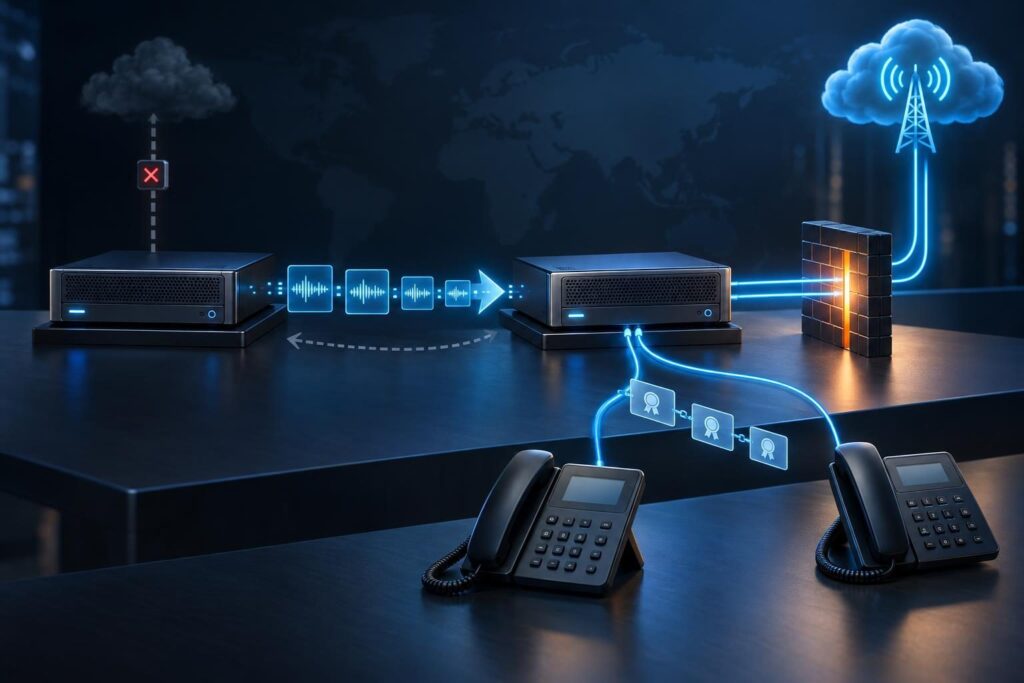
A FreePBX migration needs more than a backup file and a new server. Phones, carrier routing, certificates, firewall rules, and stored messages must move together. A successful restore proves only part of that work.

The safest practical approach separates preparation from the live switch. Build and test the replacement first. Then move production traffic during an approved window, with clear rollback steps. This guide focuses on that coordinated handoff rather than backup repair or individual call faults.
Set the FreePBX Migration Scope and Downtime Budget
Start by defining what must work when the maintenance window ends. List business hours, critical numbers, reception duties, remote staff, and after-hours coverage. Property operators should also identify gate phones, intercoms, and emergency communication equipment.
Confirm any life-safety requirements with the responsible vendor before changing those connections. Do not assume an elevator or alarm line behaves like an office phone.
- Name one person who can approve cutover and rollback.
- Set the maximum acceptable outage and the rollback decision deadline.
- Arrange an approved alternate contact method during maintenance.
- Confirm carrier support availability and access to routing controls.
- Schedule staff who can test phones at affected locations.
Do not promise uninterrupted calls. Ordinary backup-and-restore migrations do not transfer active call state. Let calls finish before switching whenever possible.
Inventory the Phone System and Its Dependencies
A useful phone system inventory records behavior, not just extension numbers. Capture the current FreePBX release, Asterisk release, operating system, modules, licenses, and server resources. Asterisk is the underlying call-processing software.
Document these dependencies before building the replacement:
- Extensions, phone models, firmware, and phone configuration delivery methods.
- Trunks, inbound numbers, outbound routes, caller ID, and emergency calling settings.
- Menus, queues, ring groups, schedules, voicemail, and call recording policies.
- Custom call-routing rules, scripts, scheduled tasks, and external integrations.
- Email relay settings, storage mounts, monitoring, and backup destinations.
- IP addresses, hostnames, network routes, and administrator access methods.
Record credentials in an approved password manager, not the migration worksheet. Note who controls carrier accounts, DNS, firewalls, and commercial module licensing. Missing ownership can delay a cutover even when the replacement server works.
Confirm Version Compatibility Before Restoring
Check the supported migration path for the actual source and destination releases. Backup formats, module behavior, operating system support, and available SIP drivers can differ. SIP is the protocol that establishes and controls calls.
Use the official FreePBX documentation to verify release-specific requirements. Do not treat every cross-version restore as supported. Confirm whether extensions or trunks need conversion to a supported driver.
Check commercial module activation and license transfer requirements separately. A restored configuration does not guarantee that every licensed feature will operate.
Build the destination on a supported platform with enough storage and processing capacity. Keep its production trunks disabled and isolate it from live phones. Otherwise, a restored system might register with the carrier or send unexpected notifications.
Rehearse the restore and document required corrections. If the rehearsal fails, resolve that failure before scheduling the live move.
Protect Backups, Voicemail, and Recordings
Before moving the PBX, verify exactly what each backup job includes. Do not assume it covers recordings, voicemail, custom prompts, certificates, external files, or call history.
Store an encrypted backup away from the source server. Confirm access to its decryption keys and test recovery in the isolated destination. A virtual machine snapshot can help, but it does not replace an independent backup.
Recordings often need a separate transfer plan because their size can dominate the maintenance window. Copy historical files ahead of time through an approved secure method. Verify file counts, sample playback, access permissions, and checksums where practical.
Plan a final copy of new or changed files after calls stop. Coordinate database records with their associated audio files. Avoid copying live database files as though they were ordinary documents.
Preserve retention rules and access restrictions. Call recordings and voicemail can contain sensitive personal or business information.
Prepare Trunks and Firewall Rules for the New Address
A trunk connects the PBX to a carrier or another phone system. Determine whether each carrier uses registration, approved source IP addresses, or both.
Ask the provider how it handles a replacement server. Confirm destination routing, permitted addresses, registration limits, and any required change notice. Never assume two servers can share one trunk registration safely.
If the public address changes, update the provider’s approved address list and delivery settings. Review network address translation, or NAT, which maps private addresses to public connections.
- Match firewall rules to the configured SIP transport and listening ports.
- Verify the configured RTP range; RTP carries call audio.
- Review PBX local-network definitions and advertised public addresses.
- Check host, cloud, and perimeter firewalls separately.
- Keep administrative access restricted to trusted paths.
Do not open broad port ranges merely to make a test pass. If registration fails, follow a structured trunk registration check before changing unrelated settings.
Coordinate DNS, Certificates, and Phone Configuration
DNS translates names into network addresses. Identify every name that phones, browsers, and integrations use to reach the PBX. Also find devices that use a fixed IP address instead.
If you plan a DNS switch, lower the time to live, or TTL, early enough for previous cached answers to expire. A lower TTL does not force phones to look up the name again. Some devices need a controlled reconnect or restart.
Certificates must match the names clients actually use. Check expiry, the trust chain, private key access, and service assignment. A working browser certificate does not prove SIP encryption works.
Test certificate renewal from the destination network, including any required validation path. Transfer private keys securely only when appropriate; otherwise, issue replacement certificates.
Review phone configuration templates before publishing them. Test one representative phone first, including remote access. Avoid sending all phones to the replacement before trunk routing and rollback are ready.
Use a Written FreePBX Migration Test Matrix
Test the isolated replacement through approved test numbers, a separate trunk, or a tightly controlled carrier arrangement. Do not steal production registrations to prove readiness.
Assign an owner and expected result to each test:
- Inbound calls to critical numbers and their correct destinations.
- Outbound calls with expected caller ID and route selection.
- Two-way audio from local and remote phones.
- Menu key presses, hold, transfers, and queue handling.
- Voicemail recording, playback, and email notifications.
- New call recordings and access to historical recordings.
- After-hours routing, intercoms, and required integrations.
- Longer calls that could reveal timeout problems.
Verify emergency calling configuration with the carrier’s approved testing process. Never place casual test calls to emergency services.
Record timestamps, calling numbers, results, and relevant logs. Treat trunk status indicators as supporting evidence, not acceptance criteria. Real calls must pass.
Run the Cutover as a Controlled Handoff
The FreePBX migration cutover should follow the rehearsed sequence. Freeze configuration changes beforehand and tell staff when to stop making administrative edits.
- Confirm backups, alternate communications, and rollback access.
- Wait for active calls to finish, or follow the approved interruption plan.
- Stop production writes as planned and capture final configuration and data changes.
- Complete the final restore or synchronization and verify destination settings again.
- Disable the old server’s production trunk connectivity.
- Move carrier routing, network addressing, and phone connections in the documented order.
- Run critical inbound, outbound, audio, and voicemail tests immediately.
A final restore can overwrite destination-specific settings. Recheck network identity, trunk state, and certificate assignments before enabling service.
If you reuse the old server’s IP address, disconnect the old interface first. Duplicate addresses can cause intermittent failures that resemble phone problems.
Make Rollback Possible Before You Need It
A FreePBX migration rollback needs explicit triggers. Examples include failed critical inbound calls, widespread audio failure, or unresolved emergency calling configuration. Decide before cutover how much diagnosis time remains before you must reverse the move.
Keep the source system intact but unable to compete for production traffic. Document how to restore carrier delivery, firewall mappings, DNS, and phone connections. DNS reversal alone may not promptly move cached clients back.
Before restarting the old system, disable the replacement’s production connectivity. Then restore the old path and repeat critical call tests.
Account for data created after cutover. New voicemail, recordings, and call history may exist only on the replacement. Preserve those files and records for later reconciliation through supported methods. Do not blindly restore an entire newer database onto an older release.
Retain both backups and migration evidence until the business accepts the outcome.
Close the Project After Real Business Use
Monitor registration stability, failed calls, audio complaints, disk growth, recording access, and backup results. Include at least one representative business period and any important scheduled routing change in acceptance checks.
Restore normal DNS TTL values when appropriate. Update diagrams, support notes, and recovery procedures. Retire the old server only after acceptance and data reconciliation. Remove temporary firewall rules and technician access.
Professional remote assistance makes sense when carrier coordination, legacy modules, or multiple sites complicate the handoff. Tech Rescue Ops LLC provides remote VoIP and PBX support. A useful project scope includes compatibility review, rehearsal, cutover ownership, rollback criteria, and post-move validation—not just restoring a backup.