
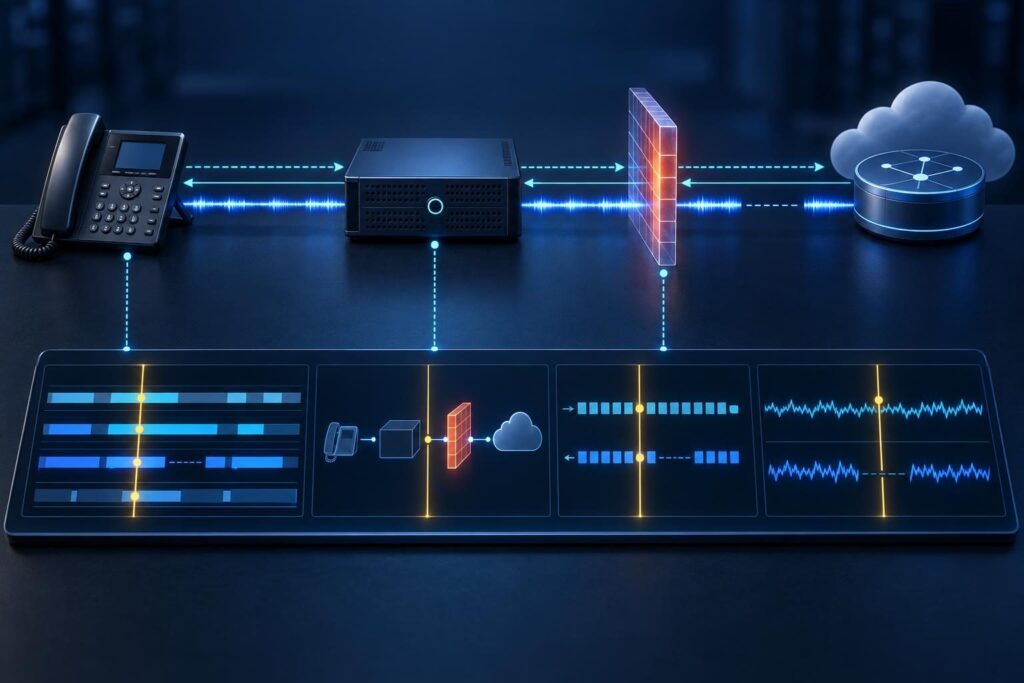
Useful VoIP troubleshooting logs connect a specific failed call to evidence from the phone system, network, and provider. A large log archive alone rarely gives support that connection. The receiving engineer needs to know which call matters, what happened, and where each observation came from.
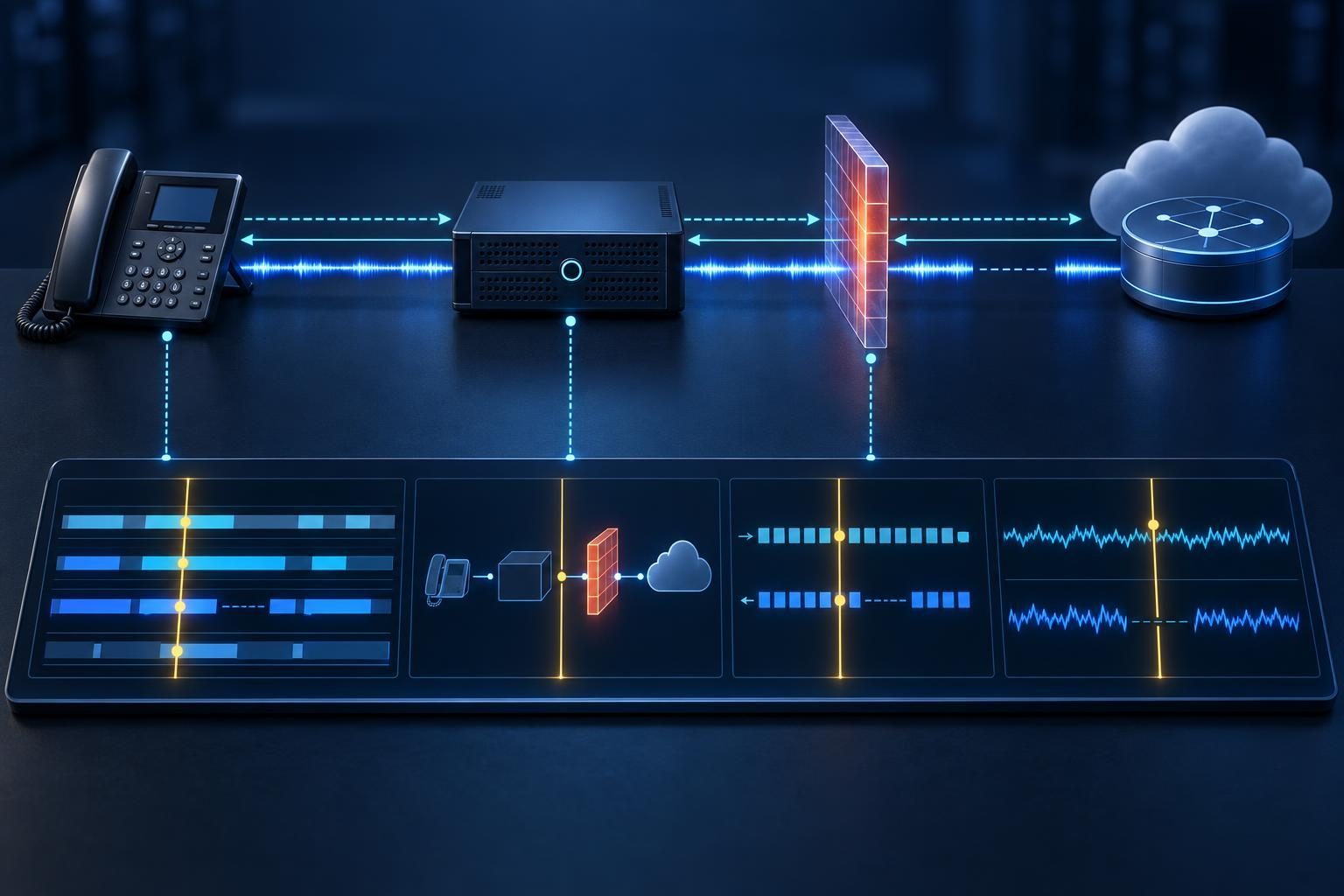
This guide explains how to assemble that evidence before escalating an internet-based phone problem. It focuses on the handoff, not on diagnosing every possible fault. Your goal is a small, traceable evidence pack that lets another team investigate without repeating your work.
Start With Impact and One Representative Call
Open the ticket with a plain description of the business impact. State whether callers cannot connect, conversations lose audio, or calls end unexpectedly. Include the affected locations, extensions, and direction: inbound, outbound, or internal.
Then select one recent failed call as the main example. Add a successful comparison when possible. Choose calls that share the same extension, destination, or provider connection so differences remain useful.
- Describe what each participant heard or saw.
- Separate the expected result from the actual result.
- State when the issue began and whether it continues.
- List any temporary workaround and its limits.
- Name a contact who can authorize another test.
Do not delay urgent escalation while chasing a perfect capture. If essential phone service fails, submit the minimum details first. Arrange further collection with the responsible team, especially for emergency calling issues.
Make Timestamps and Call Identifiers Match
Record the call start, answer, symptom onset, and end times where available. Use a full date and an explicit time-zone offset. Mark approximate times as estimates rather than presenting them as precise measurements.
Check whether the phone system and firewall clocks agree. Record any known difference. Do not adjust production clocks during collection without an approved plan; preserve the observed offset instead.
A PBX, or private branch exchange, manages business calls. Export its call detail record alongside the example. Include:
- Originating extension and calling number.
- Dialed destination and the number sent to the provider.
- Presented caller ID, which may differ from the extension.
- Provider connection, often called a trunk.
- PBX record identifier and SIP Call-ID for each relevant leg.
SIP, the Session Initiation Protocol, controls call setup and termination. A PBX may create separate SIP legs with different Call-IDs. Preserve the mapping between those legs using the PBX’s correlation fields. For Asterisk, those may include uniqueid and linkedid.
Collect VoIP Troubleshooting Logs Around the Example
Export a narrow time window that includes events before setup and after the failure. Preserve the original timestamps, identifiers, and message order. A screenshot of one error rarely shows enough context.
Useful sources include PBX application logs, call records, endpoint diagnostics, and relevant firewall events. Name each file by system, time window, and evidence type. Add the software version and export method to a short attachment index.
Before enabling detailed logging, confirm the correct procedure for your platform. Consult the official Asterisk documentation when collecting Asterisk evidence. Debug logging can increase disk use and expose sensitive data.
- Set a collection duration and storage limit.
- Monitor available space during the test.
- Record which diagnostic options you enabled.
- Disable temporary debugging when collection ends.
Preserve existing evidence before restarting services or changing settings. If collection requires privileged access, ask an authorized administrator to perform it.
Capture SIP Signaling With Its Context
A SIP trace shows requests and responses exchanged during a call. Include the setup, answer, mid-call events, and termination when available. Keep relevant message bodies, not just the response codes.
Session Description Protocol, or SDP, appears within many SIP messages. It describes proposed media addresses, ports, and codecs. A codec defines how endpoints encode audio.
For packet captures, document the capture host, interface, filter, and start and stop times. Explain whether the capture sees the phone-facing side, provider-facing side, or both. Missing packets at one observation point do not prove another device never sent them.
Encrypted signaling may hide SIP contents from a network capture. Use authorized application-level diagnostics where available. Do not disable encryption just to produce a readable trace.
For unexpected hangups, attach your observations without guessing which component caused them. Our guide to tracing disconnect evidence across a dropped call explains the deeper analysis.
Attach RTP Statistics for Each Audio Direction
RTP, the Real-time Transport Protocol, commonly carries voice packets. Collect media statistics separately from signaling. A successful SIP exchange does not establish that both participants received usable audio.
For each stream, record its source and destination addresses, ports, codec, and measurement interval. Include packet counts, reported loss, jitter, and available timing measurements. Jitter describes variation in packet arrival timing.
Identify which device produced each statistic. For example, a phone’s receive-loss report describes a different observation point from a PBX capture. State the units and whether the tool reports averages, peaks, or another measure.
RTCP, the RTP Control Protocol, can report reception quality when endpoints provide it. The RTP and RTCP specification defines these reporting mechanisms.
Do not label jitter as one-way delay. Capture loss can also distort apparent network loss. For silence cases, pair these measurements with a media-path investigation rather than assuming the provider blocked audio.
Show the Topology and Recent Changes
Draw the path from the phone to the PBX and onward to the provider. Include routers, firewalls, internet connections, and any virtual private network, or VPN. Mark where you collected each attachment.
Show private and public address boundaries. NAT, or network address translation, changes addresses as traffic crosses those boundaries. Note whether audio passes through the PBX or travels directly between other endpoints.
Add relevant device models, software versions, and provider account references. Keep secrets out of the diagram.
List recent changes with their times and owners. These might include a router replacement, phone firmware update, provider migration, or PBX configuration change. Record any rollback and its observed result.
A nearby change is a lead, not proof of cause. Also note what remained unchanged. That distinction helps the next engineer test a hypothesis without treating timing as certainty.
Document a Safe Reproduction Test
Write steps that another authorized person can follow. Specify the originating extension, destination, call direction, and any hold or transfer action. Record when the symptom appears relative to answering.
Use approved test numbers and willing participants. Avoid repeated calls to customers, premium destinations, or emergency services. Coordinate any required emergency-calling verification through the appropriate provider procedure.
- Record the number of attempts and failures.
- List the conditions that stayed the same.
- Identify the single condition changed between comparisons.
- Capture a fresh identifier for every attempt.
- Document successful tests as well as failures.
If the fault is intermittent, say so. Do not describe it as reproducible because it happened twice under different conditions. Preserve VoIP troubleshooting logs from both outcomes and explain the differences you actually observed.
Package VoIP Diagnostic Evidence Securely and Ask a Clear Question
Put a short summary ahead of the attachments. Use this handoff checklist:
- Business impact, scope, and current status.
- Representative calls with timestamps, offsets, numbers, and identifiers.
- SIP traces, media statistics, and PBX logs.
- Topology, capture locations, and recent changes.
- Reproduction steps and comparison results.
- Attachment index, missing evidence, and requested next action.
VoIP troubleshooting logs can expose phone numbers, network details, and authentication material. Packet captures may contain recoverable audio. Follow your organization’s authorization, retention, and privacy rules.
Keep originals in restricted storage. Share sanitized copies through an approved secure channel. Preserve consistent placeholders when masking identifiers, and provide required routing details privately. Never attach passwords or private keys.
End with a specific request, such as asking the carrier to correlate the listed calls with its records. If collection spans several systems, professional remote assistance may help. Tech Rescue Ops LLC provides VoIP and PBX support to organize evidence and coordinate the next diagnostic step.