
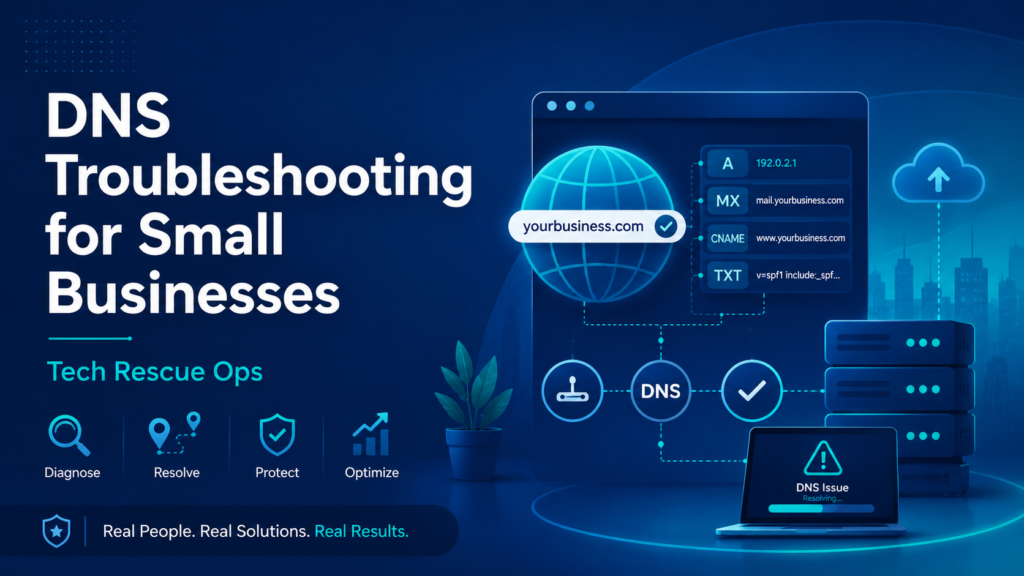
DNS troubleshooting helps small businesses fix website, email, domain, and online service problems. When DNS records point to the wrong place, customers may not reach your website. Also, business email may fail or go to spam.
Tech Rescue Ops reviews DNS issues remotely. We look for the cause, explain the problem clearly, and help you make safe changes.
Common DNS Troubleshooting Problems
DNS problems often happen after a domain change, website move, email migration, or nameserver update. Sometimes the change works correctly, but old records still remain in cache.
- Your website does not load
- Your domain points to the wrong server
- Email stops working after a DNS change
- MX records point to the wrong provider
- SPF, DKIM, or DMARC records contain errors
- A records or CNAME records point to the wrong place
- Nameservers changed, but nobody verified them
- DNS propagation looks slow or inconsistent
- Subdomains stop working
- Contact forms stop sending email
Why DNS Matters for Small Businesses
DNS connects your domain name to the services your business uses. For example, DNS points your website to a web server. It also sends your email to the correct mail provider.
Because of that, one wrong DNS record can affect several systems. A bad record may break your website, email, customer portal, payment tool, or cloud service.
For a general explanation, review the ICANN Domain Name System overview.
DNS Troubleshooting for Website Problems
Website problems often start with A records, CNAME records, redirects, SSL settings, or hosting changes. First, the domain should point to the correct server. Next, the website and SSL certificate should respond correctly.
However, a website may still fail even when the hosting account works. The domain may use old nameservers. Also, the wrong record may still exist in the active DNS zone.
Because of this, DNS troubleshooting should check both the registrar and the DNS hosting provider. The review should also confirm which provider controls the active DNS zone.
DNS Troubleshooting for Email Problems
Email depends heavily on DNS. MX records tell the internet where to deliver mail for your domain. SPF, DKIM, and DMARC help receiving servers trust your messages.
If these records contain errors, email may bounce. It may also go to spam. In some cases, Gmail, Outlook, or another provider may reject the message.
This is why you should review DNS before and after an email provider change. You should also check DNS when a website contact form stops working.
Nameserver and Registrar Issues
Many DNS problems happen when the domain registrar and DNS host do not match. A business may edit records in one place while the live domain uses nameservers from another provider.
For example, a business may edit DNS records at the web host. However, the domain may still use nameservers from the registrar or another DNS provider.
Therefore, the first step is to confirm the authoritative nameservers. After that, you should update records only in the active DNS zone.
DNS Cache and Propagation
DNS changes do not always appear everywhere right away. Resolvers may cache old records until the TTL expires. Because of that, one person may see the new site while another still sees the old one.
In some cases, public resolvers can help confirm what different networks see. Google also provides a Public DNS cache flush tool that can help during troubleshooting.
Signs You Need DNS Troubleshooting
- Your website worked before, but stopped after a change
- Your email stopped after moving hosting or nameservers
- Your domain loads the wrong website
- Your www and non-www versions behave differently
- Your contact form does not send messages
- Your email provider says DNS verification failed
- Your domain has duplicate or conflicting records
- Your SPF record includes old services
- Your DNS changes do not appear to work
A Careful DNS Troubleshooting Approach
You should handle DNS changes carefully. A small mistake can break email, websites, or other business services.
First, review the current records. Next, confirm the active nameservers. Then, make changes only in the correct DNS zone.
After that, test the records. This helps confirm that the website, email, and related services still work as expected.
Need DNS Troubleshooting Help?
If your website, email, domain, nameservers, or DNS records are not working correctly, Tech Rescue Ops can review the issue remotely.
We can help identify the problem, explain the risk, and provide clear next steps.