
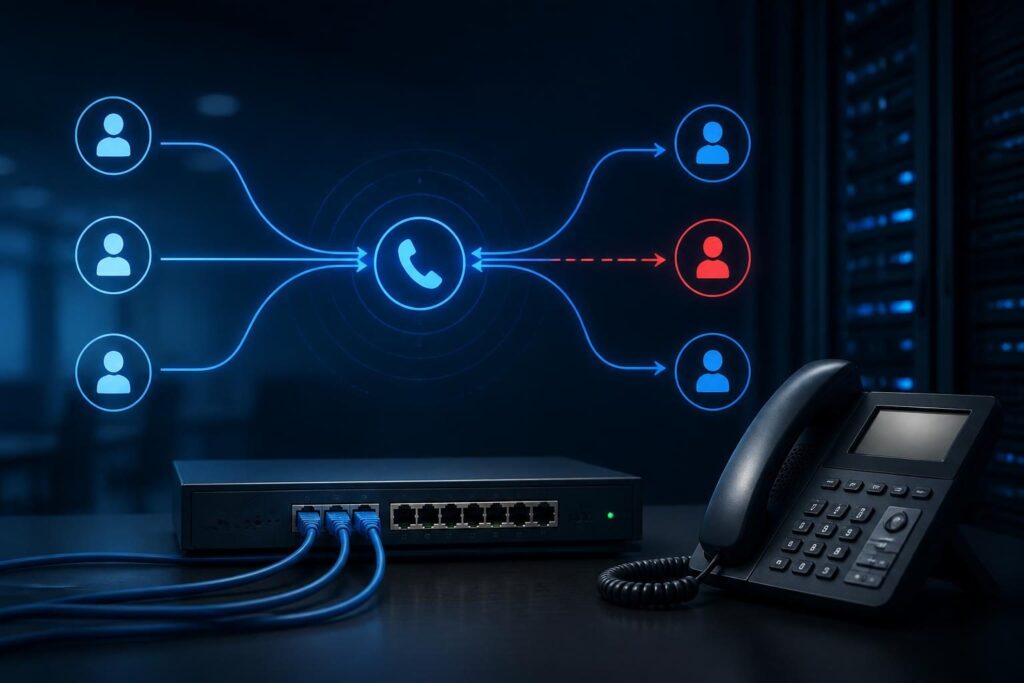
When FreePBX inbound calls wrong destination behavior appears, the phone system may still be receiving calls correctly. The error often occurs later, when FreePBX matches a DID, applies a time condition, sends the caller to an IVR, or activates a failover path.

A FreePBX inbound calls wrong destination report usually points to route selection, not handset failure. Use a controlled trace instead of changing several settings at once. Record the calling number, dialed number, date, time, expected destination, and actual destination. That evidence lets you compare one failed call with the configured route.
Start with one known call
Choose a recent call that clearly went to the wrong place. Avoid testing several numbers at the same time. Different DIDs may use different routes, schedules, IVRs, queues, or provider translations.
- Write down the full DID that the caller dialed.
- Record the exact call time and time zone.
- Note whether the caller reached an extension, voicemail, IVR, queue, announcement, or external number.
- Capture the caller ID, if available.
- Ask whether the result changes during business hours, after hours, or holidays.
Next, confirm that the provider delivered the expected number. Some carriers send a complete number, while others send a shortened DID or a translated value. FreePBX can only match the number it receives.
Check the inbound call record and Asterisk log for the called number. The exact menu names and log locations can vary by FreePBX release and logging configuration. Do not assume that the number displayed on a handset is the number used for route matching.
Check FreePBX inbound calls wrong destination: DID and trunk matching
Inbound routes usually match information from the incoming trunk. The DID field identifies the number that the caller dialed. The CallerID field identifies the person or organization calling. Confusing those fields can send calls to an unexpected route.
Open the relevant inbound route and compare its DID with the value shown in the call evidence. Look for leading country codes, area codes, spaces, punctuation, and other formatting differences. A route that expects one format may not match another format.
Also review the route’s trunk assignment. If the route applies to every trunk, another carrier or test trunk may match it unexpectedly. If it applies to one trunk, confirm that the provider actually delivered the call through that trunk.
Watch for overlapping routes
Broad matches can capture calls before a more specific route gets a chance. For example, a route with a blank DID may act as a general fallback. A route with a broad pattern may also match more numbers than intended.
Review route order and match patterns together. Put specific business numbers ahead of broad catch-all behavior when the configuration supports that structure. Keep a written copy of the original settings before changing priorities.
If you need to understand how FreePBX creates and follows the underlying dialplan, trace the FreePBX IVR dialplan safely. The same evidence-first approach helps with inbound route analysis.
Verify the FreePBX inbound calls wrong destination route
Once the DID matches the intended route, inspect the destination itself. A route may point directly to an extension, but it may also send the call to an announcement, ring group, queue, IVR, time condition, voicemail box, or external number.
Confirm that the selected destination still exists. Administrators sometimes remove an extension or rename a queue without reviewing every inbound route that references it. A destination can also remain valid while its members or next action have changed.
- Confirm the destination type.
- Check the selected extension, ring group, queue, or IVR.
- Review any “no answer,” “busy,” or “unavailable” destination.
- Check whether the route uses a custom destination.
- Look for a destination that forwards outside the system.
Pay attention to the distinction between the first destination and the final result. A queue may answer, then send unanswered calls to voicemail. An IVR may accept input, then route invalid or timeout input elsewhere.
Review time conditions and holiday behavior
Time conditions are a common reason FreePBX inbound calls wrong destination symptoms appear only at certain times. A time condition evaluates a schedule and sends the call down one of two paths. One path usually represents open hours, and the other represents closed hours.
Check the time group attached to the condition. Confirm the weekday ranges, start and end times, and time zone. Also inspect holiday calendars. A holiday entry can alter routing even when the weekly schedule looks correct.
Compare the PBX clock with a trusted clock. If the server time or time zone is wrong, the condition may make a correct decision using incorrect time data. Verify this carefully before changing schedules.
Record both destinations. The open-hours path may lead to a queue, while the closed-hours path may lead to an external answering service. Either can look like a DID problem when the schedule is the actual cause.
Trace IVRs, queues, and follow-on destinations
An IVR is an interactive voice menu. It can route calls based on keypad input, timeout, or invalid input. If callers report that the menu sends them to the wrong team, inspect each option and its fallback actions.
- Confirm the audio prompt matches the current menu design.
- Check each digit’s destination.
- Review timeout and invalid-entry destinations.
- Confirm the number of allowed retries.
- Test whether callers press a digit before the prompt finishes.
For queues, inspect the member list, ring strategy, announcement settings, and timeout destination. A call may reach the correct queue but appear misrouted because its members do not answer. The queue can then send it to voicemail, another queue, or an external number.
Do not edit queue members during a live call unless the business accepts the operational risk. Make one controlled change, apply it, and test with a known DID.
For deeper menu tracing, the official Asterisk documentation explains dialplan and channel concepts. FreePBX manages much of this configuration, but Asterisk logs show how the call proceeds at runtime.
Check failover and provider behavior
Failover behavior often hides the original problem. If the PBX cannot reach an extension, queue, or external destination, the call may follow a busy, unavailable, or no-answer path. That path may be intentional, outdated, or configured on a different object.
Review failover settings on every stage in the call. Start with the inbound route, then inspect time conditions, IVRs, ring groups, queues, and extensions. Follow the chain until you find the final destination.
External failover can introduce another layer. A provider may redirect calls when the trunk is unavailable, or a number may have carrier-level forwarding. Ask the carrier to confirm the delivered DID and any account-level forwarding rules.
Do not disable failover simply to make testing easier. Instead, arrange a short test window and document the expected recovery path. If failover must change, preserve the previous value for rollback.
Use logs to confirm the route
Configuration review suggests a cause; logs can confirm it. Reproduce one test call and note its exact time. Then trace the call from the inbound channel through the selected contexts and destinations.
Useful evidence may include the received DID, inbound trunk, route context, time-condition result, IVR selection, queue entry, and hangup or failover reason. Exact commands depend on the system version and access method, so use documented, read-only checks where possible.
Asterisk’s command-line console can show live call processing, but live logging may expose phone numbers or other sensitive information. Restrict access, avoid sharing raw logs publicly, and remove personal data before sending evidence to a technician.
Keep in mind that a successful test does not prove every path works. Test the affected DID during the relevant schedule, then test invalid IVR input, timeout, queue timeout, and after-hours behavior when those paths matter.
Make one safe correction and retest
After identifying the first incorrect decision, change only that setting. Apply the configuration through the FreePBX interface, then place a controlled inbound test. Confirm the expected route and at least one fallback path.
Document the old value, new value, test time, test result, and person who approved the change. If the result worsens, restore the recorded value. Avoid broad dialplan edits unless a qualified administrator understands how generated and custom contexts interact.
If the call enters the correct route but audio or media fails afterward, investigate that as a separate issue. VoIP one-way audio troubleshooting covers RTP, NAT, firewall, and endpoint checks. Routing and audio problems can occur together, but they require different evidence.
A practical troubleshooting order
Use this sequence for most wrong-destination reports:
- Capture one call’s DID, time, caller ID, and actual result.
- Confirm the provider delivered the expected DID.
- Check trunk assignment and DID formatting.
- Review route order and overlapping matches.
- Verify the selected inbound route destination.
- Inspect time conditions, time groups, and holidays.
- Trace IVR choices, retries, and timeout behavior.
- Review queue members and queue timeout destinations.
- Follow busy, unavailable, no-answer, and external failover paths.
- Confirm the result in logs and repeat a controlled test.
This order limits unnecessary changes. It also separates number matching from later call handling, which makes the evidence easier to interpret.
When to request help
Professional assistance makes sense when the route changes affect emergency calling, multiple business numbers, carrier translations, custom dialplan, or external failover. Tech Rescue Ops LLC can help trace the call path, preserve configuration evidence, and test corrections without guessing.
Keep the original call details and recent configuration changes available. A clear timeline often shortens the investigation and reduces the chance of disrupting other inbound calls.