
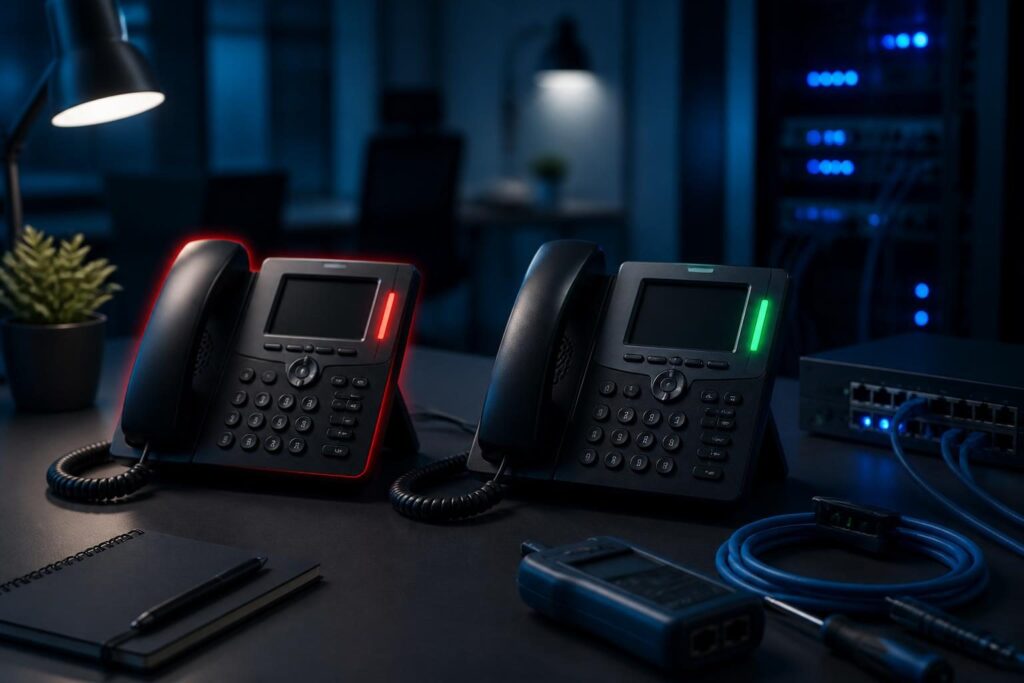
When VoIP calls fail from one extension troubleshooting begins, compare the failing phone with a working phone. That comparison helps you separate an extension-specific setting from a wider PBX, network, or provider problem.

If other users can place similar calls, avoid changing the trunk or firewall first. The failure may involve permissions, a dial pattern, device configuration, codec negotiation, or registration state. Work from the endpoint toward the PBX, and record each test. This comparison is central to VoIP calls fail from one extension troubleshooting.
Start by defining the failure
“The phone cannot call” describes several different problems. Ask what happens after the user dials:
- Can the phone reject the number immediately?
- Is there a busy, forbidden, or other announcement?
- Does the call ring but never connect?
- Can the extension call internal users?
- Can it receive calls?
- Does the problem affect local, mobile, international, or emergency numbers?
Test one known internal extension and one permitted external number. Use the same destination from a working extension. Note the exact time, digits dialed, result, and any displayed message.
This pattern matters. A phone that cannot call anyone may have a registration or endpoint problem. A phone that reaches coworkers but not external numbers may have an outbound route or permission issue.
Compare VoIP extensions side by side
The fastest path in VoIP calls fail from one extension troubleshooting is a side-by-side comparison. Choose a working extension with the same user role and location when possible.
| Area | Compare | What a difference may indicate |
|---|---|---|
| Extension settings | Class of service, allowed routes, caller ID, and restrictions | The user lacks permission for the destination |
| Dial patterns | Digits sent, prefixes, and required outside-line codes | The number does not match an outbound route |
| Device | Account, firmware, line key, and dial mode | The phone uses the wrong account or behavior |
| Registration | Contact address, IP address, and registration time | The PBX cannot reach the expected endpoint |
| Codecs | Enabled order and common formats | The endpoint and provider cannot agree on media |
Do not copy every setting from a working extension without approval. Caller ID, emergency location, voicemail, and recording policies can be deliberately different.
Check extension permissions and routes
PBX permissions often explain why one user fails while another succeeds. Depending on the system, an extension may belong to a class of service, outbound route group, or permission set.
Review whether the failing extension can use the route required for the destination. Check local, long-distance, international, premium-rate, and emergency rules separately. Confirm that time conditions or holiday schedules are not applying to only that user or group.
Next, inspect the outbound route’s dial pattern. A dial pattern defines which digits qualify for a route and which prefixes the PBX removes or adds. Compare the original digits with the digits sent to the trunk.
For example, one phone may send 9 before an outside number while another sends the number directly. A route may accept one format but not the other. A user-level setting may also add or remove a prefix before routing.
If the PBX returns a forbidden or busy response, review the related explanation in SIP rejection troubleshooting. Keep provider-side rejection separate from a local permission failure.
Verify registration and device configuration
A registration shows that a SIP device has recently told the PBX where it can receive calls. It does not prove that outbound calling is correctly configured.
Confirm that the PBX shows the phone under the intended extension. Check its account name, authentication identity, server address, transport, and assigned line key. A phone can appear usable while its active line points to another account.
Compare the device’s IP address and registration time with the PBX record. An unexpected address may indicate a duplicate login, stale registration, provisioning error, or a phone connected to the wrong network.
Also check the handset’s dialing behavior. Some devices send digits only after a timeout. Others require a send key, use an incorrect dialing plan, or apply a local rule before the PBX receives the number.
Restarting the phone may refresh a stale session, but treat that as a test rather than a permanent fix. If registrations repeatedly disappear, use the checks in SIP registration troubleshooting.
Review codecs and media settings
A codec converts voice into digital audio for transport. Common deployments allow several codecs, but the phone, PBX, and provider still need one shared choice.
Codec problems usually appear after the call begins. You may hear silence, receive no audio, or see the call connect and end quickly. However, a provider or PBX policy can also reject a call before media starts.
Compare the codec list and order on both extensions. Look for a device-specific override, a restricted endpoint profile, or a different network mode. Then check whether the trunk permits the selected codec.
Do not change codec settings across the entire system during a single-user investigation. Test one extension, one destination, and one controlled change. The Asterisk documentation provides reference material for endpoints, SIP, RTP, dialplans, and codecs.
Use VoIP call traces to locate the break
When VoIP calls fail from one extension troubleshooting reaches the trace stage, collect evidence from the phone, PBX, and provider. A trace shows where the call stops instead of relying on a user’s description alone.
Use the PBX’s appropriate logging or SIP tracing tool during one test call. Capture the extension, destination, timestamp, route selected, response code, and trunk used. Avoid publishing credentials, authorization headers, public IP addresses, or personal call details.
Interpret the sequence in order:
- No request reaches the PBX: inspect the phone, registration, network path, or dial behavior.
- The PBX receives the request but selects no route: inspect digits, prefixes, permissions, and time conditions.
- The PBX selects a route but rejects the call: inspect trunk authentication, caller identity, provider rules, and response details.
- Signaling succeeds but media fails: inspect codec agreement, RTP settings, NAT, and firewall behavior.
Compare the failed trace with a successful trace from the working extension. Look for differences in the called digits, source extension, caller ID, route, codec offer, and response sequence.
Run a controlled test sequence
A safe sequence prevents unrelated changes from hiding the cause:
- Test an internal extension from both phones.
- Test the same permitted external number from both phones.
- Confirm the failing extension’s registration.
- Review permissions and outbound route membership.
- Check digits sent and dial-plan behavior.
- Inspect endpoint, codec, and transport settings.
- Capture one failed and one successful call trace.
- Change only one setting, then repeat the test.
Write down the result after every step. If a configuration change affects emergency calling, recording, caller ID, or compliance, obtain approval before testing it.
For broader endpoint symptoms, the guide to a registered phone with no dial tone covers related handset and extension checks. Keep the current investigation focused on the one failing account.
Common mistakes to avoid
Changing the trunk first is a common mistake. If one extension works through that trunk, a provider-wide outage becomes less likely. The trunk may still reject a unique caller ID or route, so verify evidence before ruling it out.
Another mistake is testing different numbers from each phone. That creates two separate variables. Use the same destination and repeat the test at a similar time.
Finally, avoid disabling security controls as a quick experiment. Do not remove authentication, open broad firewall access, or permit every codec. Narrow tests preserve both evidence and safety.
When to escalate the issue
Escalate when traces show inconsistent provider responses, emergency-call concerns, unexplained permission changes, or repeated registration failures. Provide timestamps, extension numbers, destinations in redacted form, trace IDs, and a comparison with the working extension.
Tech Rescue Ops LLC can help review PBX settings, endpoint registration, SIP traces, routing, and controlled rollback steps remotely. Professional assistance is especially appropriate when the issue involves emergency calling, production trunks, or changes that could affect every user.