
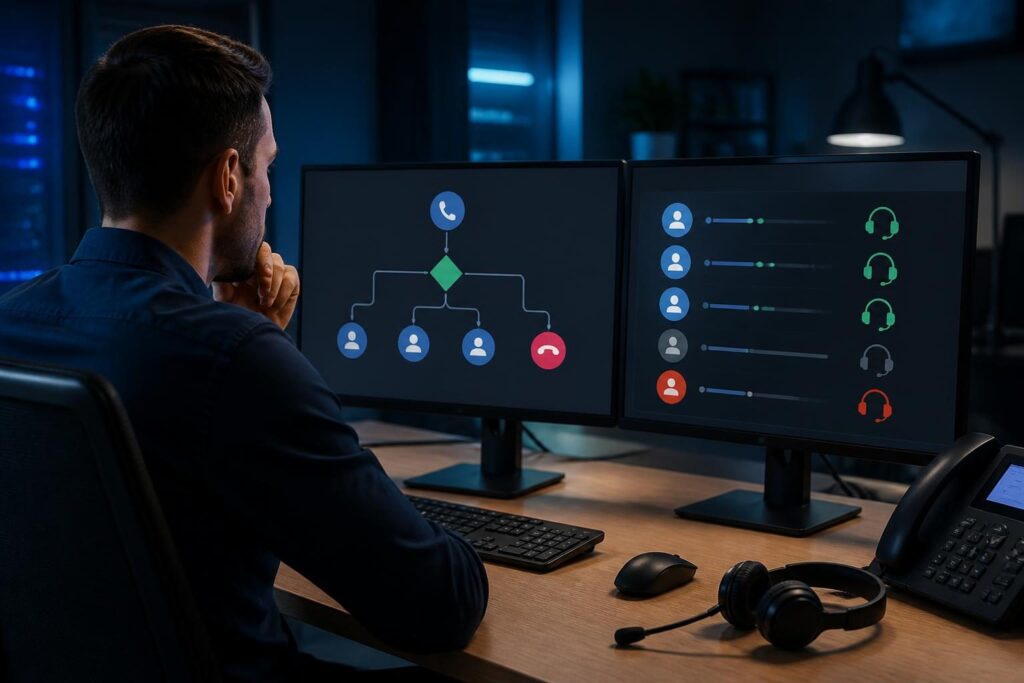
A queue can accept a caller while no agent phone rings. FreePBX queue agents not ringing troubleshooting starts by separating the queue from the agent endpoint. The queue may have no eligible members, or it may try to call devices that are unavailable.

Use one controlled test call and record its time, queue number, caller number, and expected agent. This FreePBX queue agents not ringing troubleshooting process starts with evidence rather than broad configuration changes. Then check the queue configuration, live agent state, endpoint registration, timing settings, and Asterisk evidence. Avoid changing several settings at once.
Confirm what the caller experiences
First, establish whether the call enters the intended queue. Ask the caller or supervisor what they hear. Useful symptoms include:
- Callers hear a greeting, music, or position announcement.
- They hear ringing, but no agent phone alerts.
- The call leaves the queue quickly or reaches voicemail.
- One agent does not ring, while another agent does.
- No agents ring after a configuration change or reboot.
These details narrow the search. If the caller never reaches the queue, inspect the inbound route, IVR, destination, and queue number. That problem differs from a queue that accepts calls but finds no available member.
Also check whether the queue uses static members, dynamic members, or both. A static member remains configured in the queue. A dynamic member logs in or is added through a feature code, phone, application, or management process. The queue can show members even when their phones cannot receive calls.
Record the queue strategy before editing it. A strategy controls how FreePBX selects members. Examples include ringing all members, the least recently called member, or members in sequence. The strategy changes call distribution, but it cannot make an unavailable endpoint answer.
Check agent status and pause state
Agent state is the first practical check in FreePBX queue agents not ringing troubleshooting. In the FreePBX interface, open the queue and verify that the expected member appears. Then inspect the live queue status through the available queue status view or Asterisk console.
Look for states such as logged in, available, in use, ringing, unavailable, or paused. Exact labels can vary with the FreePBX and Asterisk versions in use. A member may appear in the queue but remain ineligible because the member is paused.
Pause status often explains a sudden failure. Agents may pause themselves for breaks, lunch, meetings, or after a missed call. An administrator may also pause members during maintenance. Confirm both the individual pause state and any queue-wide pause setting.
Use a controlled agent test
Choose one agent and verify these points:
- That agent is logged into the correct queue.
- No pause applies to the agent.
- No active call or competing queue occupies the agent.
- The member interface or extension matches the intended device.
- The agent can place and receive a direct internal call.
If the queue reports the member as unavailable, do not immediately reset the queue. Test the endpoint first. If the queue reports the member as available but no phone rings, continue with the member interface, device, and dialplan checks.
Document any automatic pause behavior. Some deployments pause an agent after a device fails to answer. Confirm the retry, penalty, wrap-up, and timeout settings before changing them. These settings can affect eligibility without indicating a fault.
Verify the queue strategy and member interface
A queue member is not always a simple extension number. The member interface may point to an extension, a local channel, a device-specific channel, or another dialable target. A wrong interface can leave the queue operating normally while the intended phone never receives an invitation.
Compare the queue member with a known working extension. Check for typos, unexpected prefixes, and stale members. If the queue uses dynamic login, confirm that the agent logged into the same queue and did not use an outdated queue number.
Next, review the strategy and penalties. A strategy may select only one member at a time. Penalties may cause some agents to wait while other members receive calls. Ring-all behavior may also appear ineffective when the queue timeout is shorter than the endpoint’s alerting process.
Check the queue’s timeout, retry interval, member delay, and maximum wait settings. Ring time is the time allowed for a member device to alert before the queue moves on. A short value can make a phone flash briefly or never produce an audible ring.
Do not assume that increasing ring time fixes every case. The queue may be passing the call to a device that is not registered, has Do Not Disturb enabled, or uses a forwarding rule. Test the device with a direct call and compare its behavior.
For deeper context, review the FreePBX internal extension call dialplan checks. A direct-call comparison helps separate queue selection from endpoint availability.
Check device registration and availability
Confirm that the agent’s phone or softphone is registered to the PBX. Registration means the endpoint has told the PBX where it can receive calls. It does not prove that audio, alerts, or call presentation will work correctly.
Compare the endpoint’s status with a working device. Check the extension number, contact address, transport, network location, and last registration time. If the endpoint has multiple contacts, determine which contact the PBX will try.
On the phone, check Do Not Disturb, silent mode, call screening, blocked numbers, headset mode, and active call limits. On a softphone, check operating-system notification permissions and whether the application is running in the background.
When only one agent fails, compare that agent’s extension settings with a working member. Review call waiting, follow-me, presence, forwarding, and any device restrictions. A queue call may follow different rules from a direct extension call.
When every agent fails, focus on shared causes. Review the queue destination, member interfaces, recent configuration changes, endpoint reachability, and PBX resources. A common dialplan or provisioning change can affect all members.
For endpoint-specific symptoms, the guide on VoIP calls failing from one extension provides a useful comparison method. Keep the test short and avoid modifying provider or firewall settings unless evidence points there.
Review ring timing, queue options, and destinations
Queue behavior depends on several timers. The member ring time controls how long an agent is offered the call. The retry interval controls how soon the queue tries again. A wrap-up period can temporarily prevent a member from receiving another call.
Review the queue’s failover destination as well. If the call leaves the queue before an agent answers, the destination may send it to voicemail, another queue, an announcement, or a hangup. That behavior can make a ring problem look like a routing problem.
Check whether the queue has a maximum wait time, empty-queue behavior, join restriction, or announcement that changes the caller’s path. Some settings allow callers to join only when members are logged in. Others let callers wait even when no member can answer.
Test with one available agent and a longer, documented ring period only if business policy allows it. Restore the original value if the test does not help. Save a configuration backup or change note before editing production queues.
Queue strategy troubleshooting should also consider simultaneous calls. An agent may be available when the call starts but become busy before the PBX sends the invitation. Repeat the test at a quiet time, then compare the queue event and endpoint state.
Use Asterisk and dialplan logs safely
Logs can show whether the queue selected an agent and whether Asterisk attempted the call. Enable only the diagnostic detail needed for a short test. Excessive console output can obscure the event and create operational noise.
For FreePBX queue agents not ringing troubleshooting, capture the queue number, agent extension, and call start at the planned test time. Look for evidence that the queue:
- Accepted the caller into the queue.
- Considered the expected member eligible.
- Selected the member under the active strategy.
- Requested a dial to the member interface.
- Received ringing, answer, busy, congestion, or timeout.
- Removed or paused the member after the attempt.
The key question is where the sequence stops. When the queue never selects the member, investigate status, pause state, penalties, and strategy. After it selects the member but no dial attempt appears, inspect the member interface and generated dialplan. Once Asterisk dials but the endpoint never alerts, inspect registration and device behavior.
If Asterisk receives a failure response, record the exact response and time. Do not translate every failure into a firewall problem. A busy response, unavailable endpoint, invalid channel, or timeout requires a different next check.
The official Asterisk documentation is the best reference for version-specific queue, channel, endpoint, and dialplan behavior. Commands and console output vary, so verify syntax against the installed release before running them.
If queue calls ring but audio fails after answer, treat that as a separate media issue. The article on VoIP ringback without audio after answer covers RTP and NAT evidence without mixing it into the queue-selection diagnosis.
A safe correction sequence
After collecting evidence, make one targeted change. For example, unpause the documented agent, correct a member interface, restore a valid queue destination, or adjust ring time within the approved call-handling policy.
Then place another controlled call. Confirm that the intended agent rings, the caller remains connected, and the queue still handles unanswered calls correctly. Test a second agent if the queue uses a shared strategy.
Finally, remove temporary debug settings, record the cause, and document the successful test. Include the queue number, affected members, timestamps, configuration change, log result, and rollback action. This record helps prevent the same issue from returning after future provisioning or dialplan work.
When to involve professional support
Remote assistance is appropriate when several queues fail, logs show unexpected channel behavior, or the fix requires production dialplan changes. Tech Rescue Ops LLC can help trace queue selection, agent availability, endpoint registration, and call flow while limiting disruptive changes.