
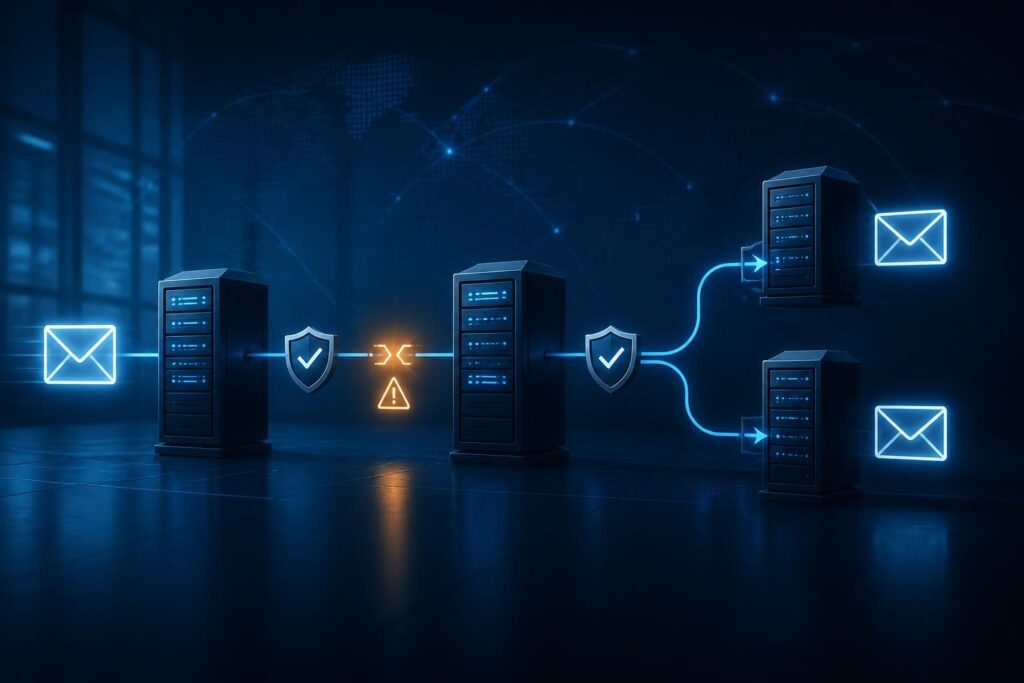
When messages arrive locally but disappear after redirection, email forwarding failures often point to authentication changes or routing restrictions. The original sender may have configured everything correctly. However, another server now delivers that message to the final mailbox. This extra hop changes what the receiving service can verify.

For businesses and property operators, forwarding can connect reception inboxes, shared addresses, and outside contractors. Those shortcuts need clear ownership and reliable controls. This guide focuses on failures introduced by the forwarding hop, rather than general missing-mail troubleshooting.
Map the Forwarding Path Before Changing Settings
Start with a simple route: original sender, first receiving service, forwarding service, and final mailbox. Sometimes the middle services share one platform. Other routes cross several providers.
Record which mechanism moves the message. An alias may resolve directly to a local mailbox without an external hop. A mailbox rule, administrator routing rule, or external contact may send it elsewhere.
- Identify the original recipient and the final destination.
- Record whether the first mailbox keeps a copy.
- List every rule, group, or service that redirects the message.
- Check for loops, duplicate routes, and obsolete destinations.
- Confirm who approved the route and who maintains it.
Do not assume that forwarding and redirecting mean the same thing across providers. Some options preserve the original sender; others create a new message. Inspect the actual behavior.
If mail never reaches the initial address, start with alias delivery checks. That separates first-hop failures from problems introduced afterward.
Collect Evidence for Email Forwarding Failures
Send two controlled messages from the same external account. Send one directly to the final mailbox and another through the forwarding address. Use unique subjects and harmless content. Record timestamps with time zones.
Compare the results before changing any policy. A successful direct message and failed forwarded message narrow the investigation, but they do not prove an authentication failure.
- Save the complete bounce report, including the rejecting server and response text.
- Export full message headers from any delivered copies.
- Collect message tracking events from both receiving services.
- Record the Message-ID, a header identifier that helps correlate copies.
- Check quarantine and automatic-forwarding policy events.
A first-hop acceptance confirms only that one server accepted responsibility. It does not prove delivery to the final inbox. Likewise, a general policy rejection code needs its accompanying explanation.
Protect these records. Headers and logs can reveal addresses, internal systems, and confidential subjects. Keep an unmodified original in a restricted location.
Understand Why SPF Changes After Forwarding
Sender Policy Framework, or SPF, checks whether a sending server can send for the envelope sender’s domain. The envelope sender handles delivery errors and can differ from the visible From address.
During ordinary forwarding, the final receiver sees the forwarding server’s IP address. If the forwarder preserves the original envelope sender, that domain’s SPF policy may not authorize the new server.
This explains why SPF can pass at the first receiver and fail at the final destination. It does not necessarily mean the original sender has a bad SPF record.
SPF alignment adds another question: does the authenticated envelope domain match the visible From domain? Relaxed alignment permits the same organizational domain. Strict alignment requires an exact domain match.
Do not add arbitrary forwarding providers to your SPF record as a general fix. You cannot change another sender’s policy. Expanding your own authorization also grants trust without necessarily solving alignment.
For background, review Microsoft’s email authentication overview.
Check DKIM Preservation and Final DMARC Results
DomainKeys Identified Mail, or DKIM, adds a digital signature to selected headers and message content. Unlike SPF, it does not depend on the last sending server’s IP address.
Forwarding can therefore preserve a valid DKIM signature. However, footer insertion, subject changes, or content conversion can invalidate it. The outcome depends on what the signature covers and what the intermediary changes.
Domain-based Message Authentication, Reporting, and Conformance, or DMARC, evaluates authentication against the visible From domain. A message passes when at least one mechanism passes with alignment: SPF or DKIM. It does not require both.
For email forwarding failures, compare authentication results at the first and final receivers. Look for a previously valid, aligned DKIM signature that fails after processing.
- Check the signature’s
d=domain against the visible From domain. - Compare message content and signed headers across available copies.
- Read the final receiver’s trusted
Authentication-Resultsheader. - Confirm whether the receiver reports DMARC failure or another policy issue.
Do not trust arbitrary authentication headers supplied by a sender. Use results from your receiving service’s trusted processing chain.
Know What SRS and ARC Can Actually Fix
Sender Rewriting Scheme, or SRS, rewrites the envelope sender into an address controlled by the forwarding service. A suitable SPF policy can then authorize that forwarder’s sending servers. SRS also supports routing delivery errors back toward the original sender.
However, SRS normally does not change the visible From domain. Its SPF pass therefore usually lacks alignment with that original domain. SRS alone does not guarantee a DMARC pass. Preserved, aligned DKIM can still provide that pass.
Authenticated Received Chain, or ARC, lets intermediaries record and seal authentication assessments across a message’s path. A receiver may use a trusted ARC chain when applying local policy to forwarded mail.
ARC does not automatically turn failed authentication into a DMARC pass. Receivers decide whether to trust the intermediary and how to handle the message.
Ask your forwarding provider whether it supports SRS and ARC for your specific route. Verify behavior through test messages, not merely a feature label. Neither mechanism guarantees inbox placement.
Separate Mailbox-Rule Risks From Authentication Problems
Some email forwarding failures occur before the final receiver evaluates authentication. Your provider may block automatic external forwarding through outbound security controls. A destination may also reject messages because of limits or recipient restrictions.
Inspect administrator routing rules and user mailbox rules separately. Client-only rules may depend on an open mail application. Rule order, exceptions, and stop-processing actions can change which messages leave.
Forwarding also creates a security boundary. An outside mailbox may lack your business’s retention, access, or deletion controls. An attacker can use a hidden rule to copy invoices or customer correspondence.
- Confirm business approval for every external destination.
- Review rule creation times and available audit records.
- Check for delete, mark-as-read, or move actions that hide copies.
- Inspect delegates and connected applications when a rule looks unfamiliar.
If you suspect compromise, preserve evidence and begin your account-response process. Do not simply repair delivery to an unknown destination. Avoid broadly enabling external forwarding to solve one mailbox’s problem.
Choose a Safer Route and Test One Change
Prefer direct access to a managed shared mailbox when several staff members need the same messages. Delegated access can avoid another external delivery hop and keep access under business control.
When external forwarding remains necessary, use a documented provider-supported route. Preserve original content where possible. Remove unnecessary processing only after reviewing its security and compliance purpose.
Do not disable DMARC enforcement or create broad spam-filter bypasses as your first response. Those changes can hide the symptom while increasing exposure to spoofed mail.
- Document the current rule and a rollback procedure.
- Change one route or processing behavior during an approved window.
- Test direct and forwarded delivery from several authorized external senders.
- Include messages with valid, aligned DKIM signatures.
- Check authentication, quarantine, duplicates, and reply behavior.
- Confirm that delivery errors reach a monitored address.
Authentication success still does not guarantee inbox placement. If the final receiver accepts authenticated mail but filters it, investigate reputation and filtering beyond authentication.
Document the Fix and Escalate With Useful Evidence
A durable fix for email forwarding failures includes an owner, an approved destination, and a repeatable delivery test. Record which service rewrites the envelope sender and which processing steps could affect DKIM.
Monitor the route after changes. Check that legitimate messages arrive, replies work, and the original mailbox retains copies when required. Schedule another review when providers or mailbox ownership change.
When several providers control the path, professional remote assistance may help correlate logs and evaluate routing safely. Tech Rescue Ops LLC can help investigate authentication boundaries and forwarding controls without treating weaker security as the solution.