
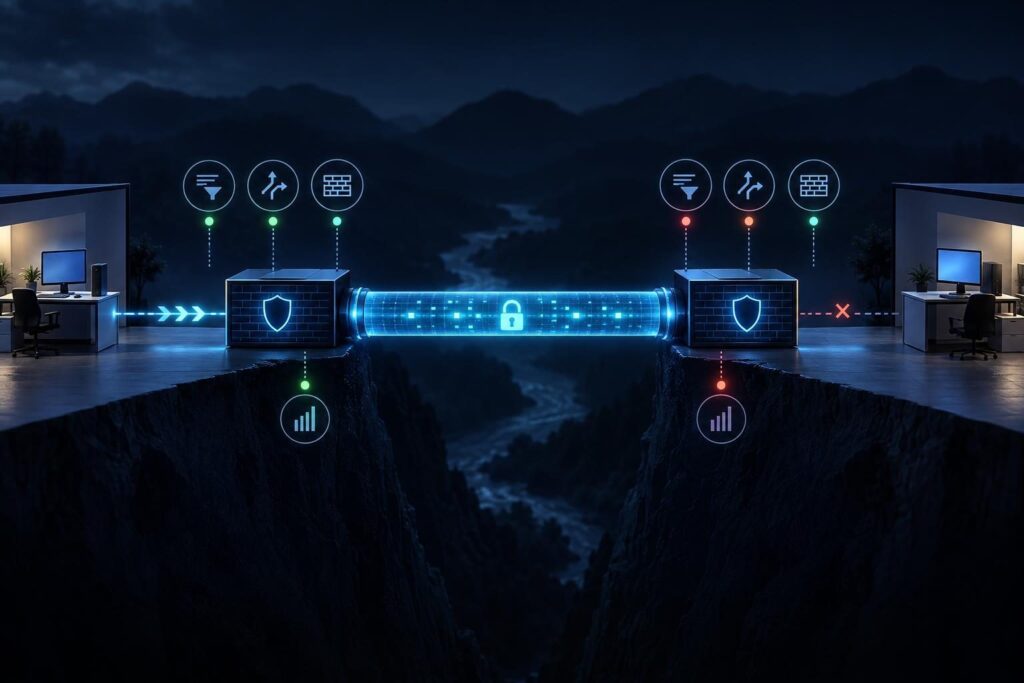
A site-to-site VPN can report that its tunnel is up while applications cannot reach the other office. IPsec tunnel traffic counters help narrow the problem: do packets enter the tunnel, leave it, or return? The goal is not to change settings until something works. It is to follow one known connection through both networks and find the first place it disappears.
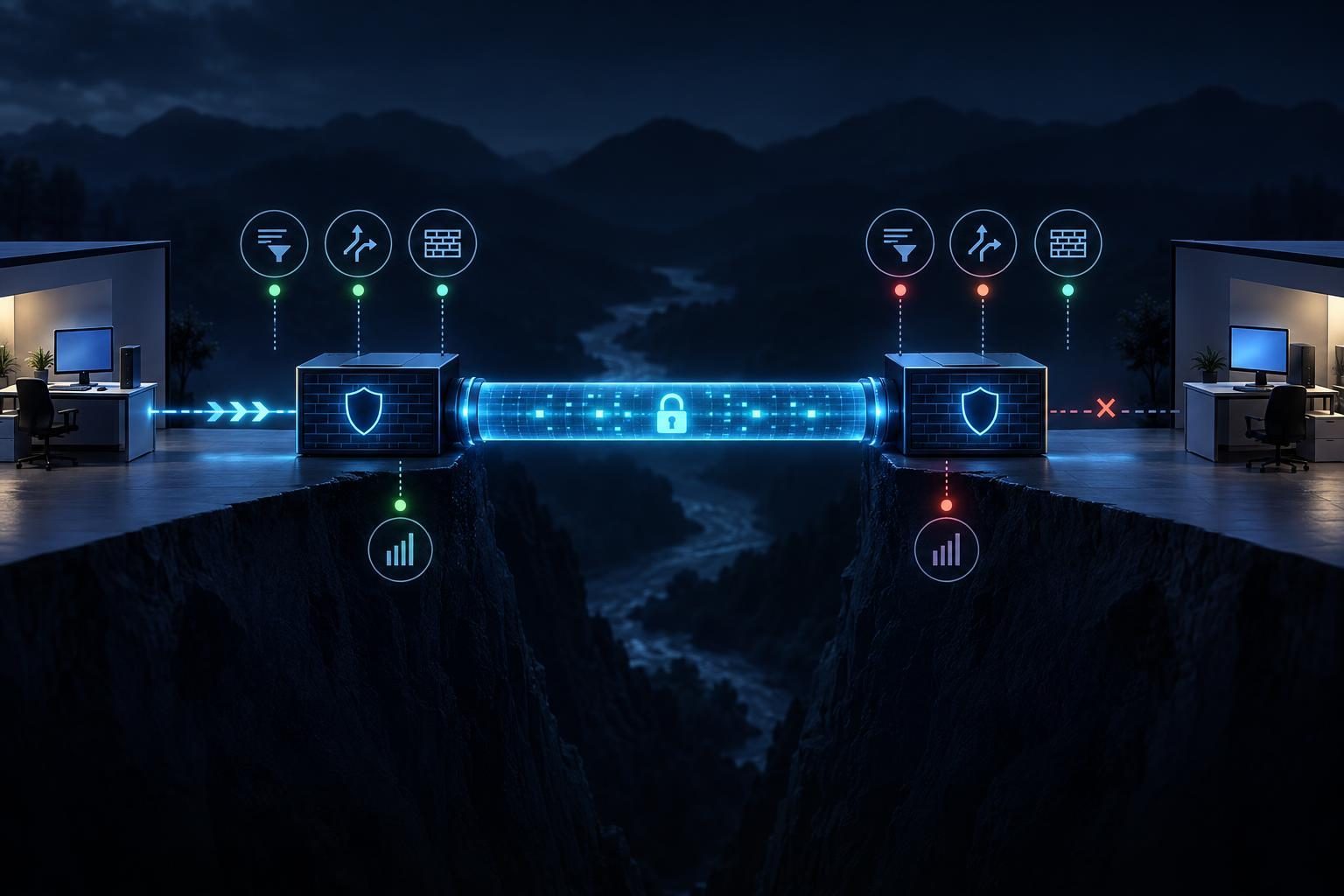
This guide focuses on an established IPsec tunnel that passes no useful traffic. It covers tunnel state, traffic selectors, routes, firewall rules, network address translation (NAT), and the return path. Because firewall interfaces vary, use your platform’s equivalent logs and counters rather than assuming every screen uses the same labels.
Confirm What “Tunnel Up” Actually Means
Start by identifying the affected source device, destination device, and application. Record their IP addresses, the destination port if relevant, and the time of a fresh test. A single, repeatable connection attempt gives you much better evidence than a general report that “the VPN is down.”
Next, inspect both IPsec peers. Internet Key Exchange (IKE) establishes and maintains the security relationship between them. A child security association, often called a Phase 2 association, carries protected network traffic. Some dashboards report the peer as connected when IKE is healthy, even though the required child association is missing or does not cover the test addresses.
- Confirm that both peers show an active child association for the intended networks.
- Note when each association started and whether it rekeys during your test.
- Identify the specific association that should carry the test packet.
If the child association is absent, troubleshoot its negotiation before tracing application packets. The separate guide to IPsec Phase 2 mismatches covers proposal and selector differences in more detail. If it exists, continue. An established association still does not prove that either network sends traffic through it.
Define One Test Flow and Its Expected VPN Path
Draw a short path before opening more logs: source host → local gateway → IPsec tunnel → remote gateway → destination host. Then draw the reply in reverse. Write down the source and destination subnets configured at each peer. These are the networks the VPN should connect, not merely the public addresses of its gateways.
Choose a permitted test that has a clear result. For example, try a business application’s known port from an approved workstation to its server. A ping can help if both hosts and intervening firewalls permit it. However, a failed ping alone cannot establish that the tunnel is broken.
Make one attempt at a recorded time. Keep the source IP and destination IP fixed while you compare evidence. If a hostname is involved, resolve it first and confirm that the returned address belongs to the expected remote network. Otherwise, you may trace a perfectly healthy VPN while the application connects somewhere else.
For this workflow, distinguish three outcomes: the packet never reaches the local gateway, it reaches that gateway but does not enter IPsec, or it crosses the tunnel without a working reply. Each outcome points to a different next check.
Compare Selectors and Routes Before Changing Policy
Traffic selectors define which source and destination addresses a child association protects. Some products call them encryption domains or proxy IDs. Compare the effective selectors on both peers against your test flow. A child association for one subnet pair will not necessarily carry traffic for another pair.
For policy-based IPsec, the selector and firewall policy often determine whether a packet enters the tunnel. For route-based IPsec, a route usually directs traffic to a tunnel interface. Vendors may also apply selectors or policies to route-based designs. Check the active configuration and the installed association rather than relying on the design diagram alone.
Inspect the forwarding decision for the test destination on the local gateway. Does it point to the intended tunnel path, or to a default route, another VPN, or an internal gateway? Repeat the check at the remote gateway for the source network. The return route matters as much as the outbound route.
Also check for overlapping networks. If both sites use the same subnet, ordinary routing may select a local interface instead of the tunnel. That condition needs an addressing or carefully designed translation plan, not a broad allow rule. For a related location-based example, see how overlapping VPN subnets affect route selection.
Read IPsec Tunnel Traffic Counters in Both Directions
IPsec tunnel traffic counters are most useful as a before-and-after comparison. Record the encrypted or outbound packet count and the decrypted or inbound count on both peers. Make the single test attempt, then read the same counters again. Confirm that you are viewing the child association for the test subnet pair; another active association can produce misleading increases.
Interpret the changes alongside route and firewall evidence:
- No outbound increase at the local peer: the packet may not reach the gateway, match the selector, pass policy, or follow the tunnel route.
- Outbound rises locally, but inbound does not rise remotely: check the outer IPsec path and peer logs, including drops or association changes.
- Inbound rises remotely, but no reply leaves: inspect remote firewall policy, destination reachability, and the return route.
- Reply leaves remotely, but local inbound stays flat: investigate the reverse tunnel path and peer processing.
Counters alone cannot name the cause. Background traffic, delayed counter updates, and product-specific labels can obscure a small test. If several flows share the association, pair the counter comparison with timestamped logs or captures. Check the official pfSense documentation when using pfSense; other platforms require their own interface and log guidance.
Check Firewall Rules and NAT at the Gateway
A route or selector match does not guarantee permission. Review the firewall policy at each gateway for the actual source, destination, protocol, and direction. Check the interface or zone where the rule applies, its order, and any more specific deny. Use a fresh log entry from the recorded test rather than assuming that an apparently correct rule matched.
NAT can also change the addresses before IPsec policy evaluates them. Many site-to-site designs exclude traffic between protected networks from ordinary internet NAT. If the gateway translates the source to its public address, the packet may no longer match the intended selector. In other designs, administrators deliberately use NAT across the VPN to handle overlapping networks. Determine which design applies before changing an exemption.
Inspect NAT and policy on both sides. A remote server might receive the request but reply through a different gateway. A stateful firewall, which tracks the packets in a connection, may then reject the unexpected return traffic. The guide to firewall state and return-path failures explains that pattern further.
Use Packet Captures to Find the Last Visible Packet
When counters and logs leave a gap, capture a short, authorized test at selected checkpoints. Useful points include the source-side LAN, the local gateway’s inside interface, the remote gateway’s inside interface, and the destination-side LAN. A WAN capture can show outer IPsec traffic between public peers, but it generally will not reveal the protected application packet in readable form.
Filter narrowly by the test hosts, protocol, and time where possible. First, verify that the source packet reaches its gateway. Next, determine whether a corresponding inner packet appears after decryption at the remote gateway. Finally, look for the destination’s reply and trace it back. Compare timestamps and addresses; account for any intentional VPN NAT.
If the remote gateway receives and forwards the packet, test the destination host and its local firewall. If the destination replies but the remote gateway never sees that reply, inspect the destination’s default gateway and intervening network. Do not disable broad firewall protections just to make a capture look successful.
Captures can contain business data and internal addresses. Obtain approval, limit collection to the test, store files securely, and delete them under your organization’s retention rules. Use the same care when sharing logs with a provider or support team.
Fix the Proven Break and Verify Both Directions
Once you locate the first missing packet, make the smallest reviewed change that addresses it. That might mean correcting a subnet selector, installing the intended route, refining a firewall rule, or adjusting a documented NAT exemption. Record the original setting and a rollback plan before applying changes to a production gateway.
Afterward, repeat the same test flow. Verify application success, not just a green tunnel indicator. Check that the expected counters move in both directions and that the reply follows the intended path. Then test another approved flow if the tunnel serves multiple networks or applications. A fix for one selector pair may leave another unaffected.
Save the final network pair, route decisions, relevant logs, counter comparisons, and change record. If the packet disappears between peers or the platform’s processing order remains unclear, professional remote assistance may help correlate evidence from both gateways. Tech Rescue Ops LLC can assist with that review when authorized access and a maintenance plan are available.